 SoloRack
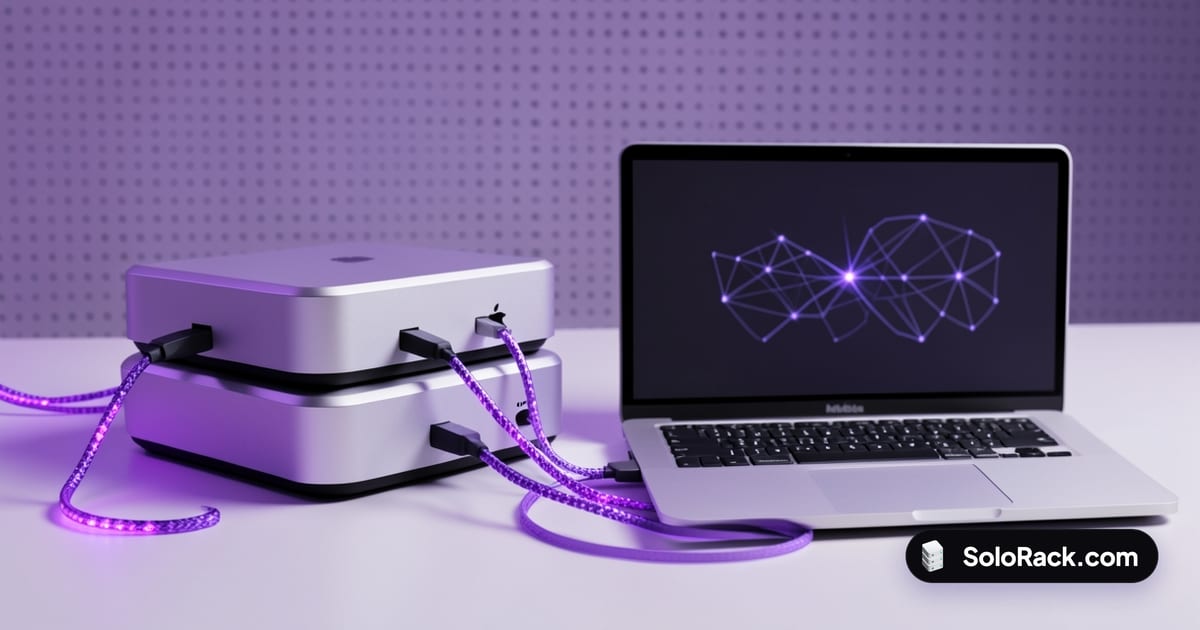
A leaked Apple app called Harbor has the Mac community talking. According to the leak, Harbor turns a Mac into a private AI inference server: it runs open-weight models on Apple silicon, keeps every prompt on your own hardware, and can link several Macs together so that their memory works as one. Apple has announced nothing, so treat every detail below as a report, not a product page. But the direction is clear, and it matters to anyone who would rather rent a Mac than buy one.
This article covers what Harbor is said to do, what Apple has already shipped that makes it believable, and what you can run today on a single cloud Mac mini.
What the leak says
The description and screenshots surfaced through a well-known Apple leaker and were then picked up by the Apple press. They show an app that is reportedly in private preview under Claris, the Apple subsidiary best known for FileMaker. A store listing appeared briefly and was then removed.
According to that material, Harbor does four things:
- It serves models, not just chats. A status panel shows a server address that you can copy, so other apps and services can send requests to the model running on the Mac.
- It manages open-weight models for you. You browse, download and load models inside the app. One screenshot shows gpt-oss-20b being downloaded from Hugging Face.
- It includes a test chat. A “Model Sandbox Chat” lets you try a model before you point anything else at it.
- It keeps everything local. The listing says your data never leaves your hardware and nothing reaches the cloud.
The leaked listing promises “Set up in minutes, not hours”, with no command line and no manual configuration.
There is no price and no release date. Reports disagree on timing: some expect a public launch within weeks or months, others advise not to expect it soon.
The part everyone noticed: several Macs as one
The headline feature is clustering. Connect two or more Macs with Thunderbolt 5 cables and, according to the leak, Harbor detects them by itself and pools their unified memory into a single inference resource. That gives you two options: run a model that is too large for one Mac, or serve more requests at the same time.
One screenshot shows a MacBook Pro and two Mac minis joined by Thunderbolt 5 cables, with an RDMA setting that, according to one report, is switched on in Privacy & Security. Another shows Harbor on a single MacBook Pro, inviting the user to plug in a second Mac to form a cluster. So the app works on one Mac and grows when you add more.
Why the rumor is believable
Harbor would be new, but the foundations are already in macOS.
- RDMA over Thunderbolt 5. macOS 26.2 added a low-latency way for one Mac to read another Mac’s memory directly over a Thunderbolt 5 cable. That is what makes pooled memory practical.
- Apple’s own marketing. When Apple introduced the current Mac mini, it said that Thunderbolt 5 lets users cluster several Mac mini systems to run large AI models entirely on device.
- Real measurements. In an independent test reported by AppleInsider, four Mac Studio machines with M3 Ultra chips were linked with Thunderbolt 5, with about 1.5 TB of combined memory. Running a 235-billion-parameter Qwen3 model with exo, an open-source clustering tool built on Apple’s MLX, the cluster went from 19.5 tokens per second on one machine to 31.9 on four. A tool without RDMA got slower as machines were added, from 20.4 to 15.2. The memory link is what makes the difference.
That test also shows why an app like Harbor would be welcome. Today a Mac cluster means enabling RDMA from Recovery mode, matching macOS versions exactly on every machine, and cabling each Mac to all the others, because there is no Thunderbolt 5 switch. The testers reported bugs and stability issues along the way. An Apple app that hides all of that is the missing piece.
Which Macs can cluster
The leak ties clustering to Thunderbolt 5. In Apple’s current Mac mini line, that means the model with M5 Pro: three Thunderbolt 5 ports at up to 120 Gb/s and 24 GB to 64 GB of unified memory. The Mac mini M6 has three Thunderbolt 4 ports and 16 GB to 32 GB of memory. Mac Studio has Thunderbolt 5 as well.
For a single Mac, a hands-on with an earlier build of the app, then called Fabric, lists an M1 chip or later, macOS 27 and at least 16 GB of memory, and one leaked screenshot shows Harbor running on a MacBook Pro with M2 Pro. A Mac mini M6 meets those requirements. Without Thunderbolt 5, though, it would use Harbor as a single-Mac tool, and that is where most people begin anyway.
What you can do today on a cloud Mac mini
You don’t have to wait for Harbor to run a private model on a Mac. The idea is the same with the tools that exist now, and a rented Mac mini is a cheap way to find out whether local AI fits your work before you spend $899 or more on hardware.
- Rent a Mac. A SoloRack Mac mini M6 has a 12-core CPU, 16 GB of memory and a 256 GB SSD, and it is yours alone: one customer per Mac, never a shared virtual machine. It is usually ready in My account within 5 minutes of payment.
- Connect. Use remote desktop for the macOS desktop, or SSH once you add your public key in My account. You have full admin rights.
- Install a model runner. Ollama and LM Studio both run open-weight models on Apple silicon and can serve them to other programs on the Mac. With 16 GB of memory, small models are the comfortable choice.
- Use the model from your own computer. Keep the model’s server private on the Mac and reach it through SSH. Take the SSH command shown in My account and add a port forward, with the port your model runner listens on:
ssh -p <port> -L <model-port>:127.0.0.1:<model-port> <user>@<host>Your apps then talk to the model as if it were running on your own machine, while the prompts stay on a Mac that nobody else uses.
- Leave it running. The Mac stays on in the datacenter. Close the remote desktop window instead of logging out and the model keeps answering. After a restart from My account, the Mac logs you back in by itself.
One thing to plan for: when a rental ends, your account and files on the Mac are deleted, with no copies kept. Download anything you want to keep, including the models and data you fine-tuned, before the end.
Apple says the M6 delivers up to 4.8 times faster LLM prompt processing in LM Studio than the M4 Mac mini. For an always-on assistant, a coding helper or a private API for your own apps, a single M6 goes a long way. If you want an agent on top of the model, our guide to running OpenClaw on a cloud Mac mini shows the full setup.
Several Macs on SoloRack
One Mac is a great start for private AI. The idea behind Harbor is that sooner or later a bigger model or a busier team needs more than one.
You can rent several Macs with the same account, each one dedicated to you and never shared with anyone else.
If that is what you need, write to the team and tell us what you want to run: which models, how much memory, how many people will use it. We plan multi-Mac setups together with you.
Start with one Mac today
Private AI on Apple silicon doesn’t need a cluster on day one. Rent a Mac mini M6 from SoloRack and have your own model server running this afternoon: from $3.73 a day on the monthly plan, $112 a month, VAT included where it applies. The plan renews on its own until you turn renewal off in My account. All plans are on the pricing page.